A little earlier
Keep up to one second of frames from before you press the shutter, alongside your normal photo.
Pre-capture frames use video resolution. Your normal still is captured separately.
 VelocityLensSports camera for iPhone
Freeze the action. Follow the blur. Choose your shutter speed and turn a split second into the shot you had in mind.
Download on the App Store7-day full-feature trial · One-time unlock
See what you can shoot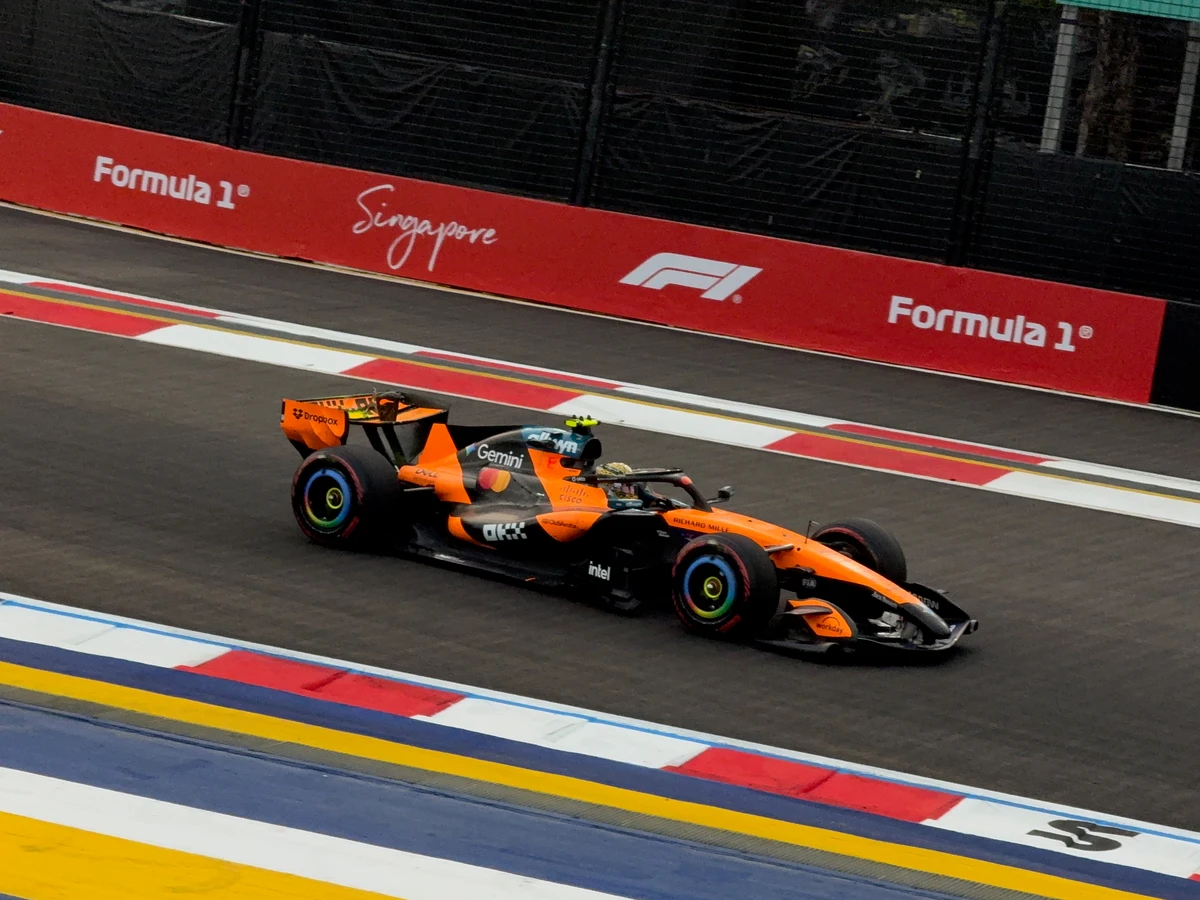
01 / Choose the feeling
A fast shutter holds the detail. A slower shutter lets the world streak past as you follow your subject. You decide how the moment feels.
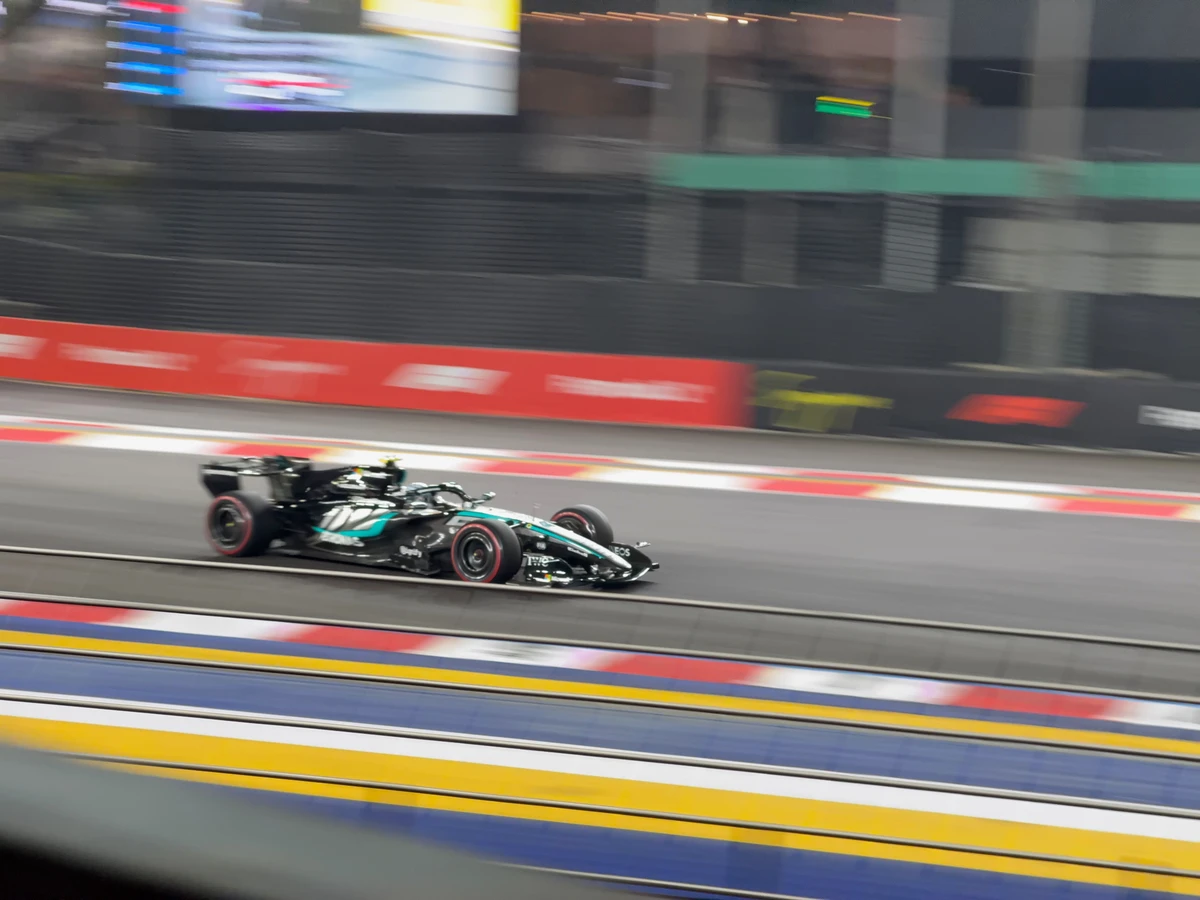
Shutter priority / S mode
Control how much motion enters the frame while automatic ISO helps balance the exposure.
Available shutter speeds depend on your camera and shooting conditions. Panning takes practice; the in-app guide helps you get started.
02 / Give yourself more chances
Switch on pre-capture to keep the lead-up to your shot. Choose a burst mode and hold the shutter when the action keeps unfolding.
Keep up to one second of frames from before you press the shutter, alongside your normal photo.
Pre-capture frames use video resolution. Your normal still is captured separately.
Use burst shooting to follow a sequence, then choose the frames worth keeping. The shooting pace adapts to your device.
Swipe at the edges to adjust shutter speed and exposure compensation. Tap to focus while keeping your attention on the action.
03 / From practice to keepers
A panning guide to learn the movement. A review screen to choose your favourites. Or turn on automatic saving to Photos and keep shooting.
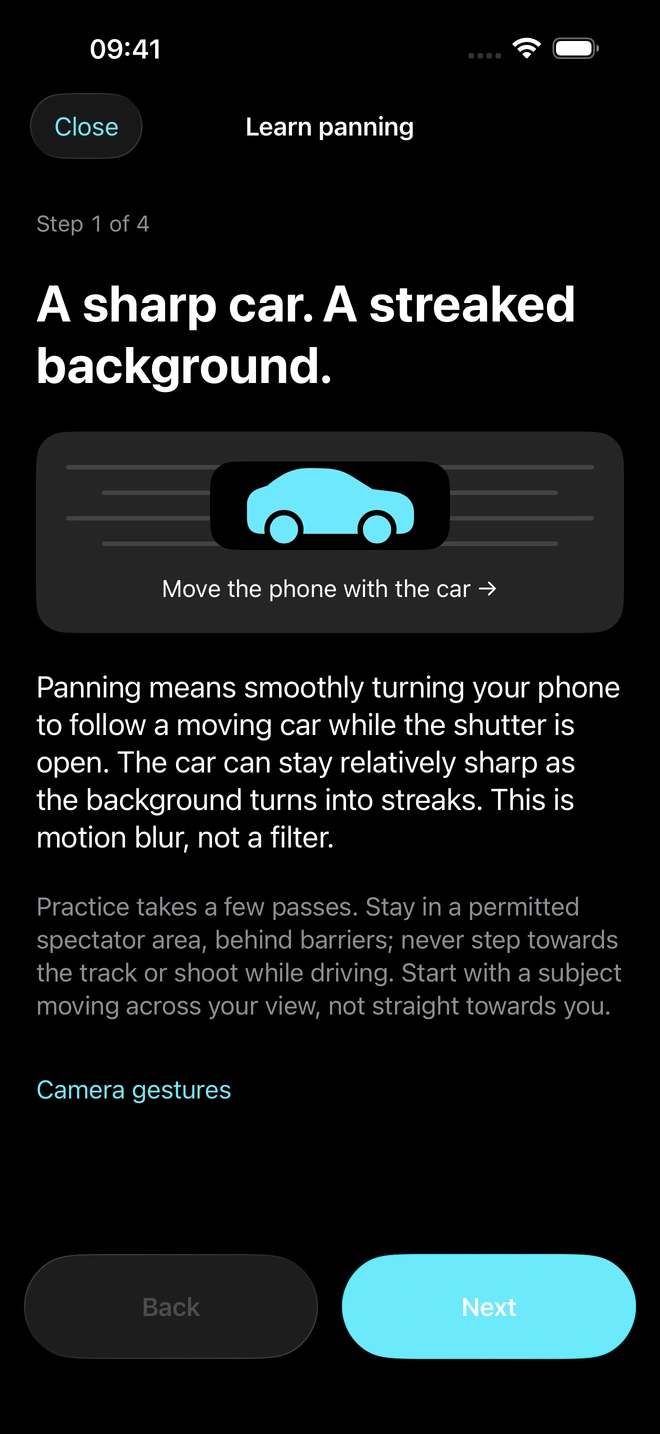
The built-in guide walks you through panning, from shutter choice to a smooth follow-through.
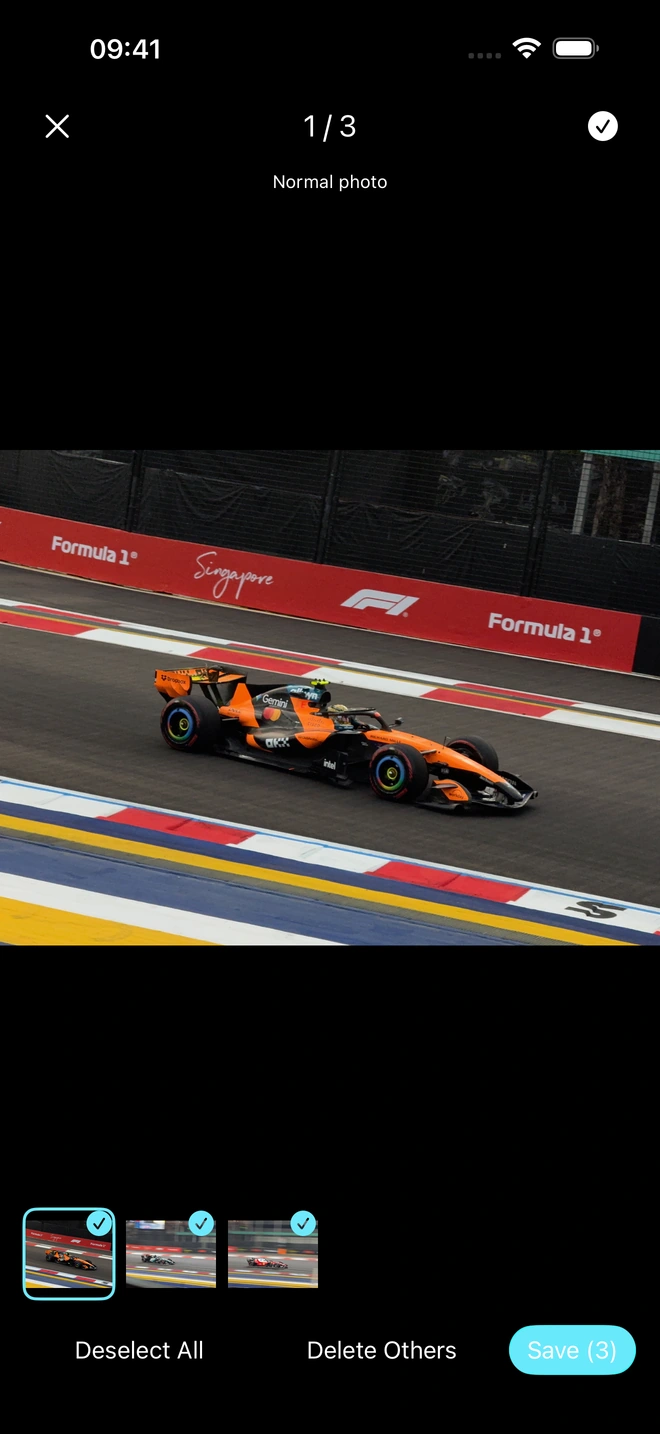
Review and select your photos, or enable optional automatic saving to your photo library.
Made from time trackside
I'm David, a photographer based in Singapore. Years of shooting racing shaped VelocityLens: a camera built around shutter speed, timing and the movement in front of you.
Explore my photography
Take it to the next moment
Try every feature for 7 days.
Keep shooting with a single lifetime purchase. No subscription.
For iPhone and iPad · iOS / iPadOS 26 or later
Local pricing is shown in the app before you buy.
After the 7-day trial, a one-time lifetime purchase unlocks continued shooting with all features. There is no subscription or automatic renewal. You choose whether to buy.
Yes. The two race photos on this page were shot on iPhone with VelocityLens. They show different shutter-speed techniques, rather than a before-and-after edit. The separate photography portfolio includes work made with other cameras.
When enabled, pre-capture keeps up to one second of video-resolution frames from before the shutter press. A normal still photo is captured separately when you press the shutter.
Use Restore Purchase in the app's settings with the Apple Account you used to buy it. Owners who bought the original paid app retain lifetime access.
Email davidhu.sg66@gmail.com for app support. You can also read the privacy policy.